Templates
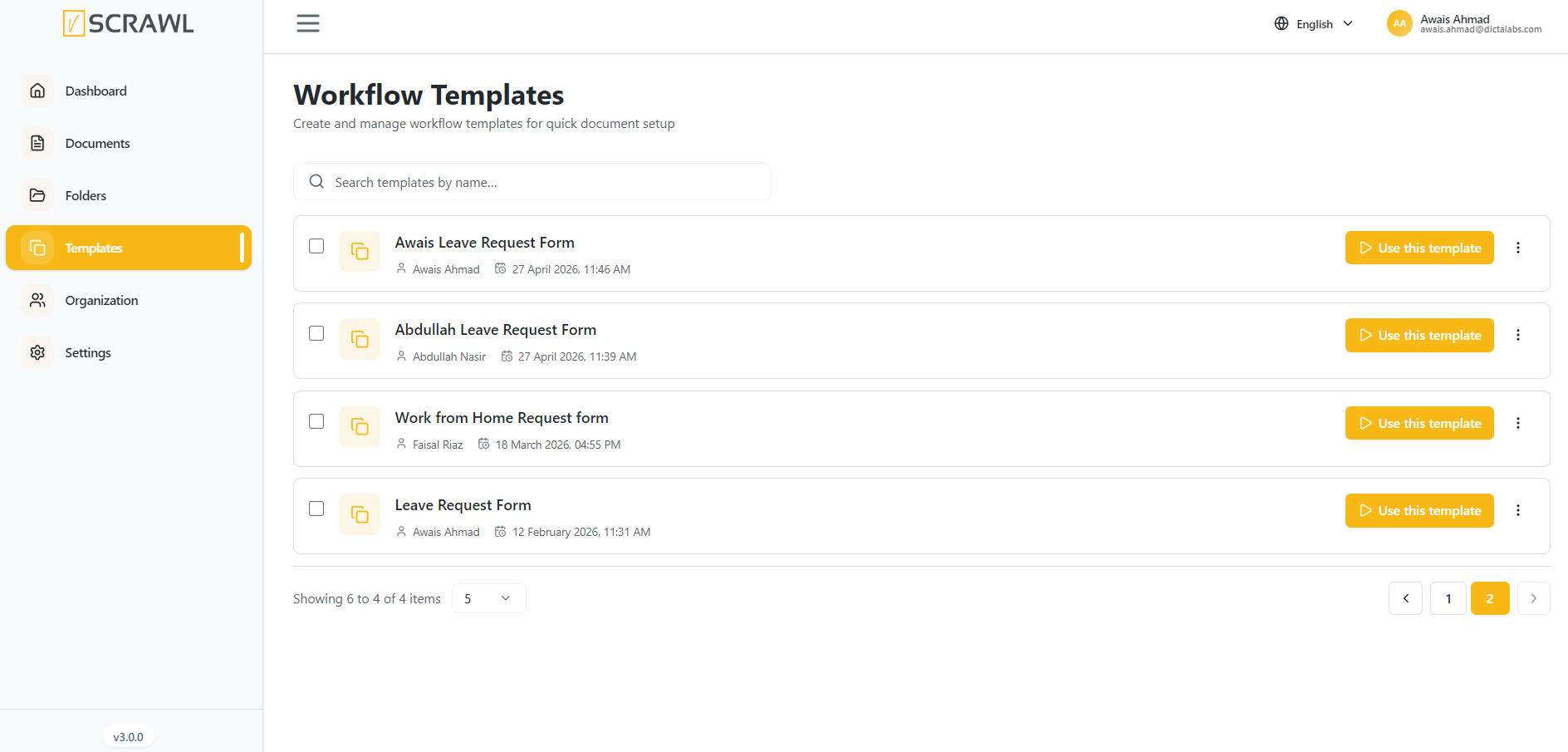
The Templates section in vScrawl is designed to save time by allowing you to create, store, and reuse commonly used document formats. Instead of building a document signing workflow from scratch every time, you can quickly select a pre-defined template and start the signing process right away.
For each template, you have quick access controls:
-
Use – Start a new signing process using the selected template.
-
More Options (⋮) – Additional actions (e.g., download, rename, delete, depending on permissions).
-
Use the search bar at the top right to quickly locate templates by name.
-
Useful when you have a large number of templates.
-
Adjust how many templates are displayed per page (e.g., 10, 20, 50).
-
Navigate between pages if there are many templates.
-
Navigate between pages if there are many templates.