Roles
The Roles section enables administrators to define and manage role-based access within the organization. Roles help control user permissions by assigning access rights based on responsibilities and job functions.
Viewing Roles
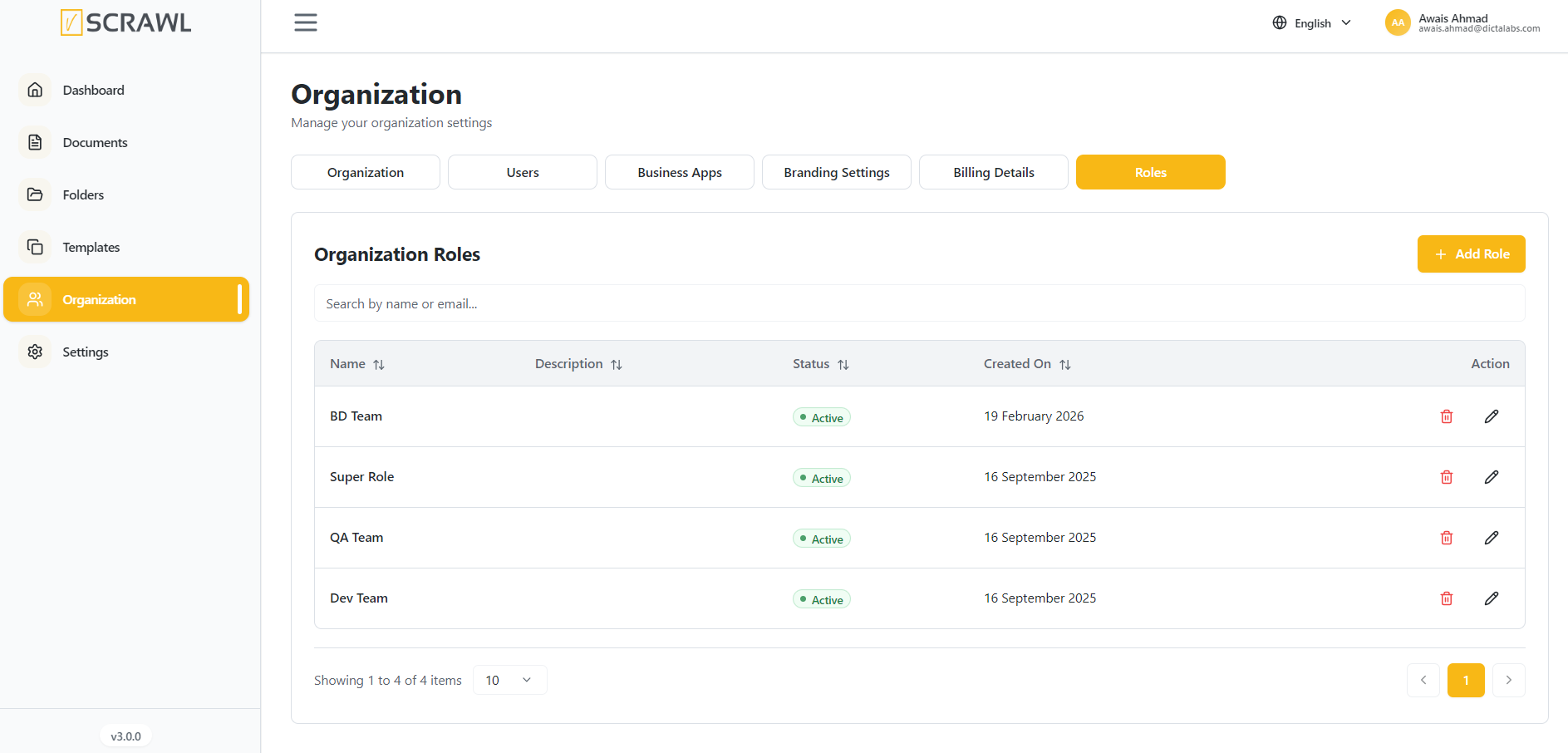
The Roles page displays all configured roles within the organization, including:
- Role Name – The name of the role.
- Description – A brief description of the role's purpose.
- Status – Indicates whether the role is active or inactive.
- Created On – The date the role was created.
- Actions – Options to edit or delete a role.
Searching Roles
Use the Search field to quickly locate a role by name.
- Enter the role name in the search box.
- Matching results will be displayed automatically.
Creating a Role
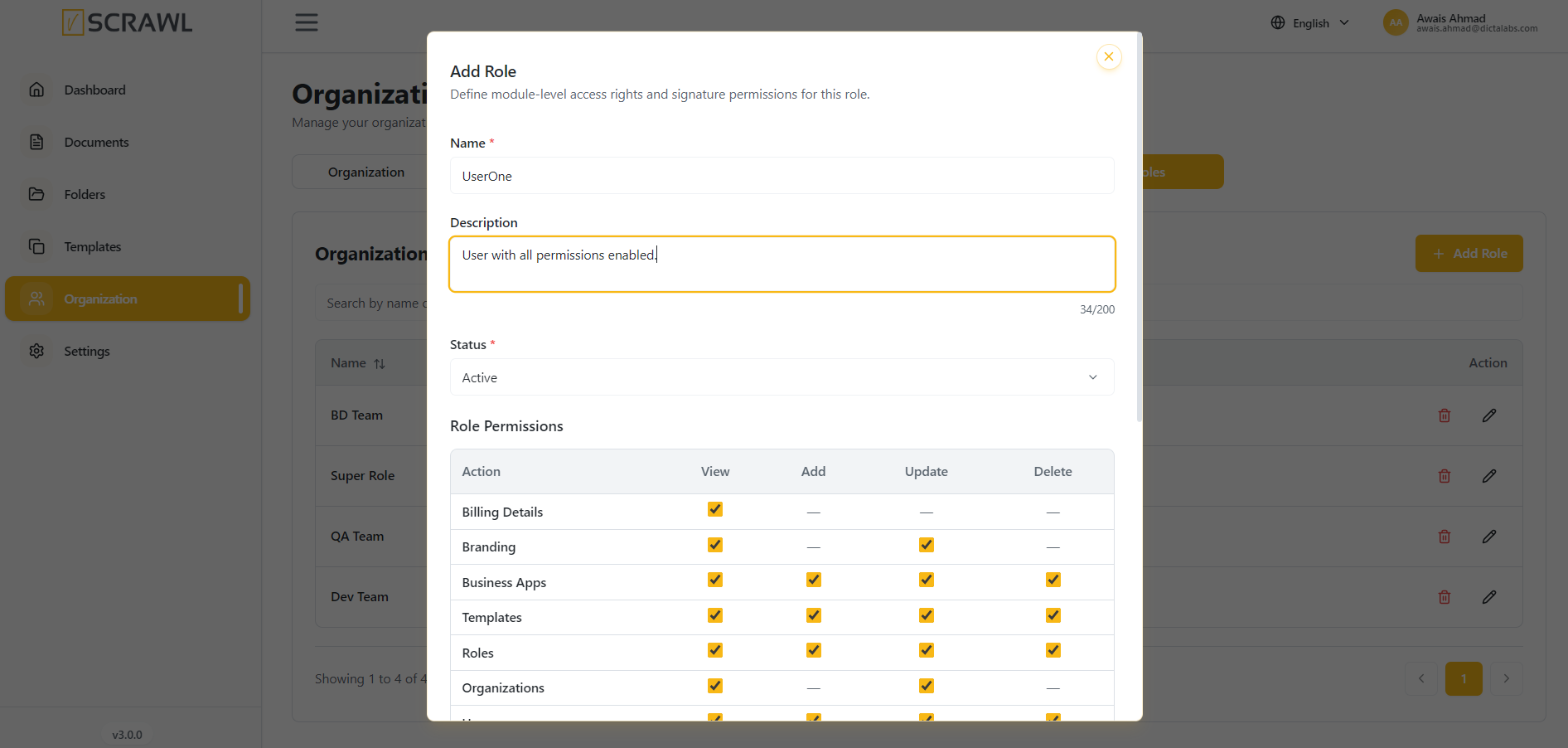
To create a new role:
- Click Add Role.
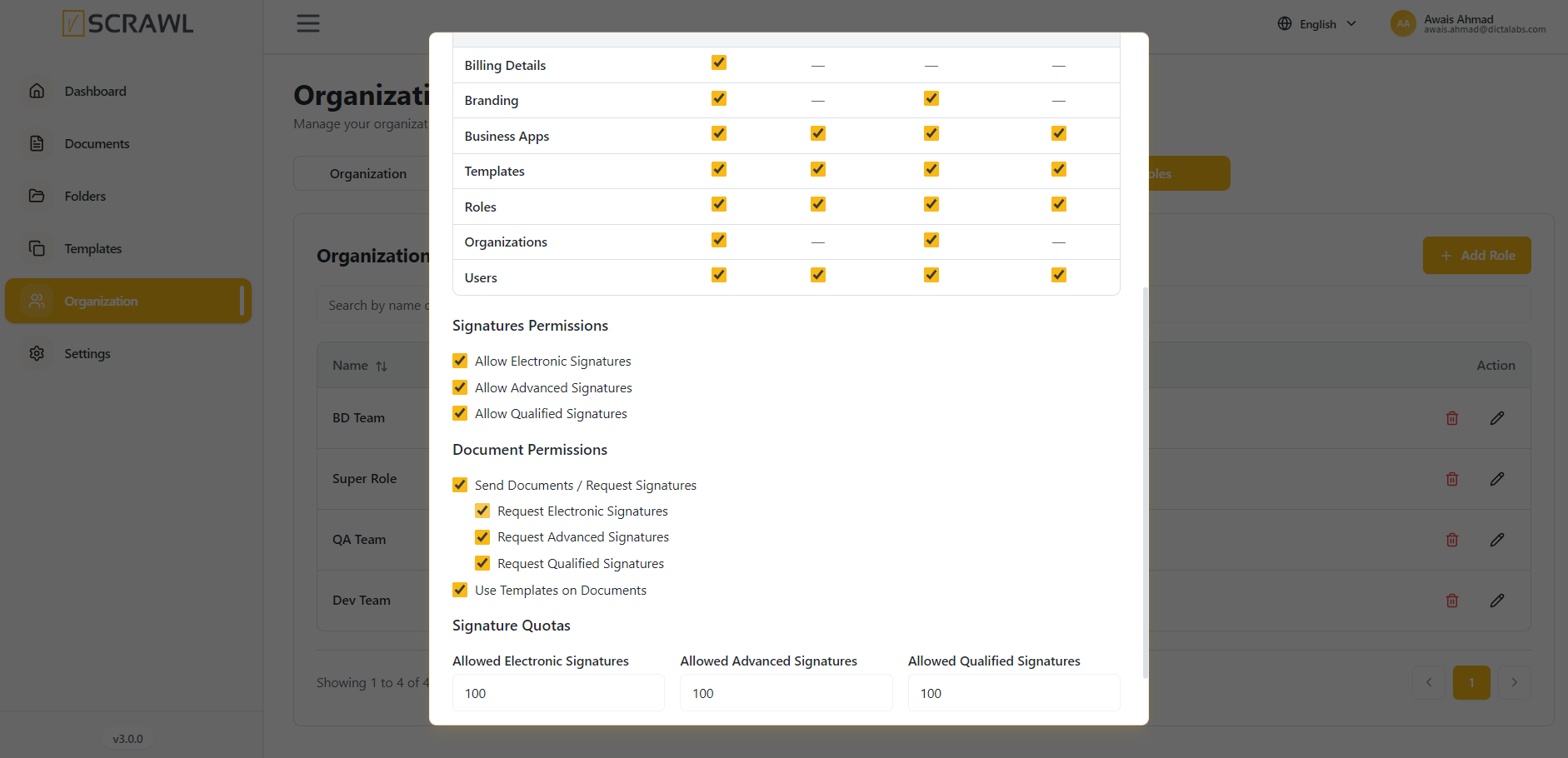
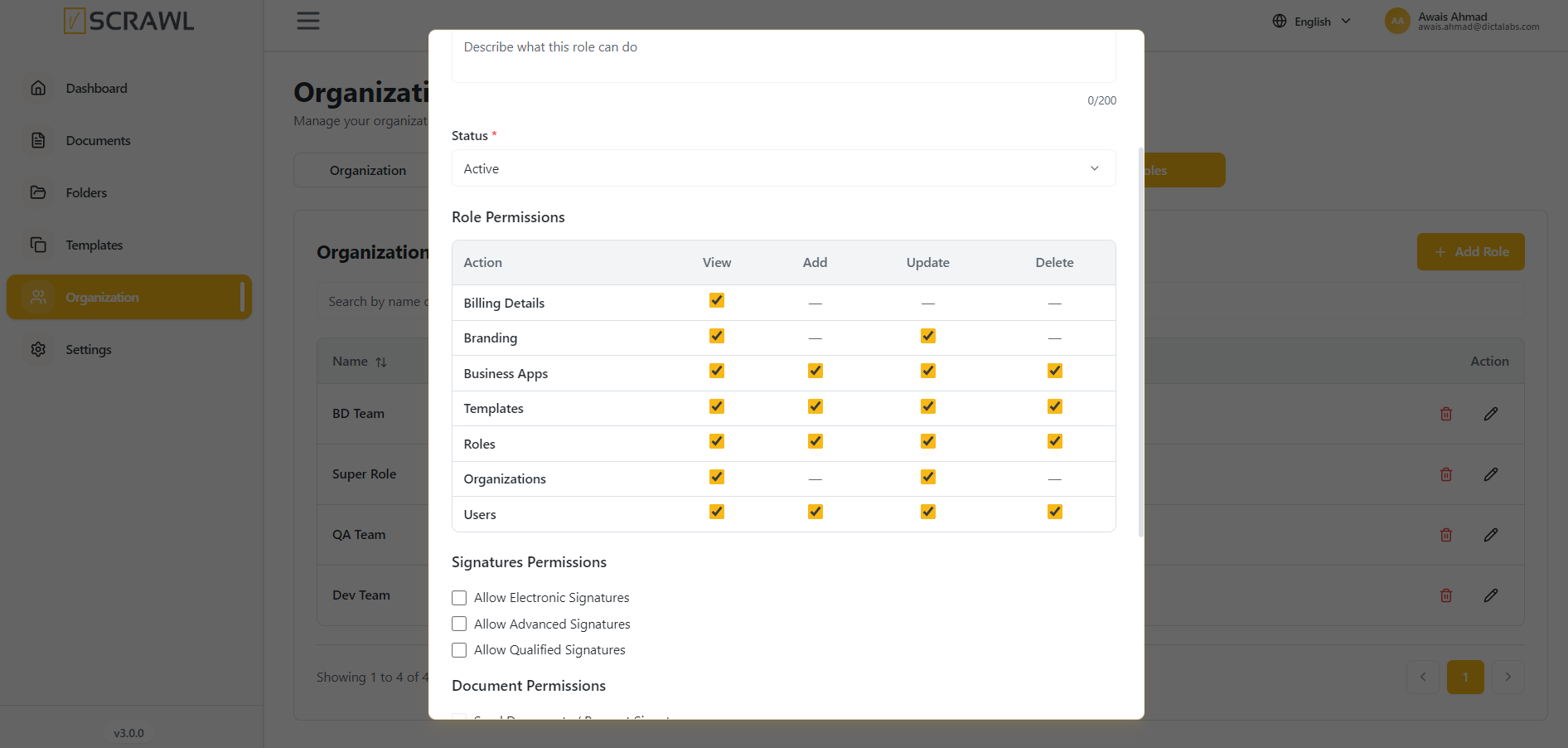
- Enter the role details.
- Configure the required permissions.
- Save the role.
The new role will become available for assignment to users.
Managing Roles
Administrators can manage existing roles using the available action controls.
Available actions include:
- Edit – Modify role details and permissions.
- Delete – Remove a role that is no longer required.