User Settings
User Specific Settings
Settings
The Settings page in vScrawl allows you to manage your account details, security preferences, online signatures, and notifications**. This is where you personalize your profile and ensure your signing experience is both secure and efficient.
-
Displays your name and email address.
-
Useful for confirming which account you are logged into.
-
Clicking the Settings option in the left-side navigation panel allows users to access and manage Account Settings, Signature Settings, Notification Settings, and Security Settings from a centralized location.
Account Settings
-
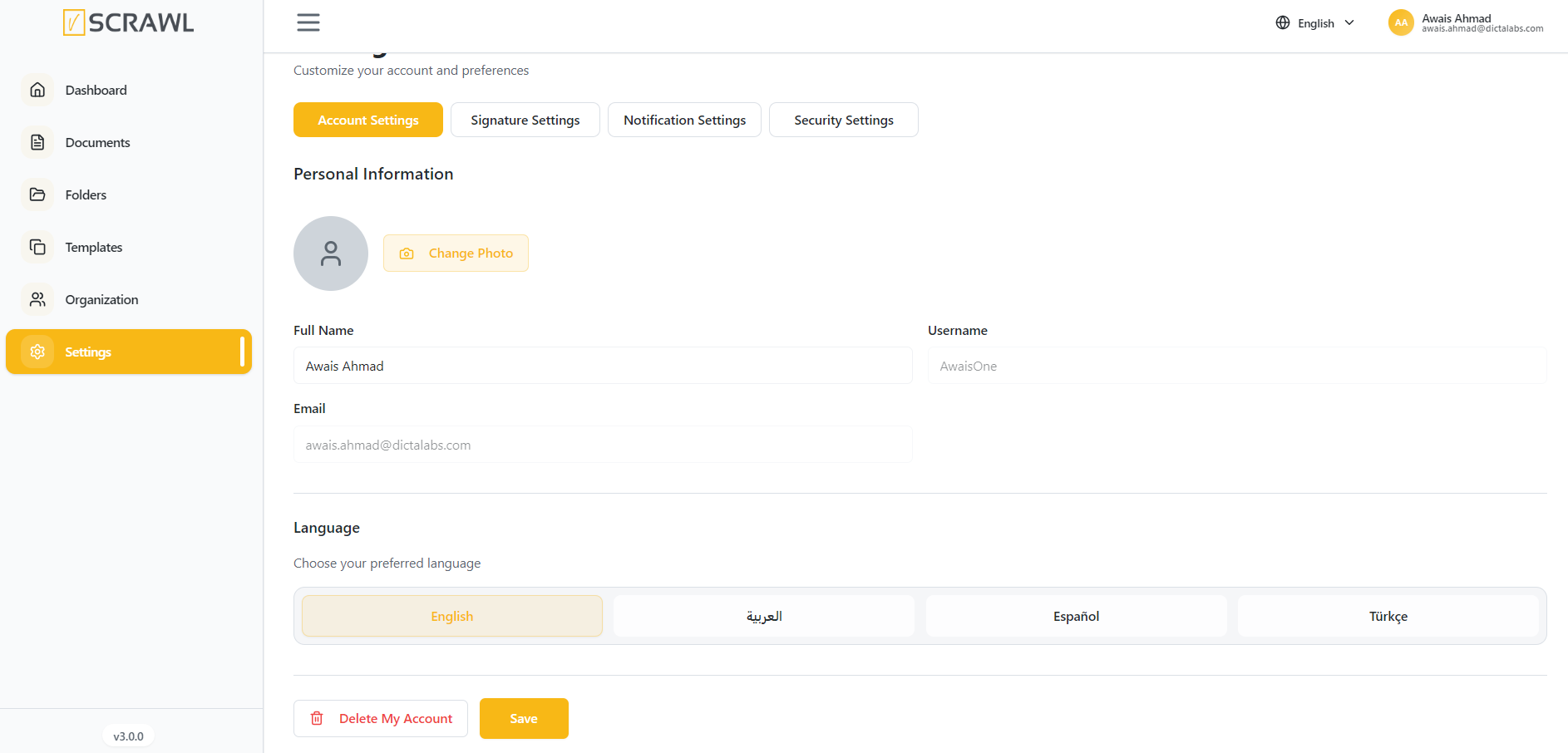
Full Name – Display name shown in your vScrawl account.
-
Username – Unique identifier (used for login or internal reference).
-
Email – Registered email address (used for login, notifications, and signing).
-
Language - Your selected language.
-
After changes, click Save to update your profile.
Delete Account
Users also have the option to permanently delete their account.
To delete an account:
- Click Delete My Account
- Confirm the action when prompted
Note: Account deletion may permanently remove user data and associated documents. This action should be performed carefully.
Security Settings
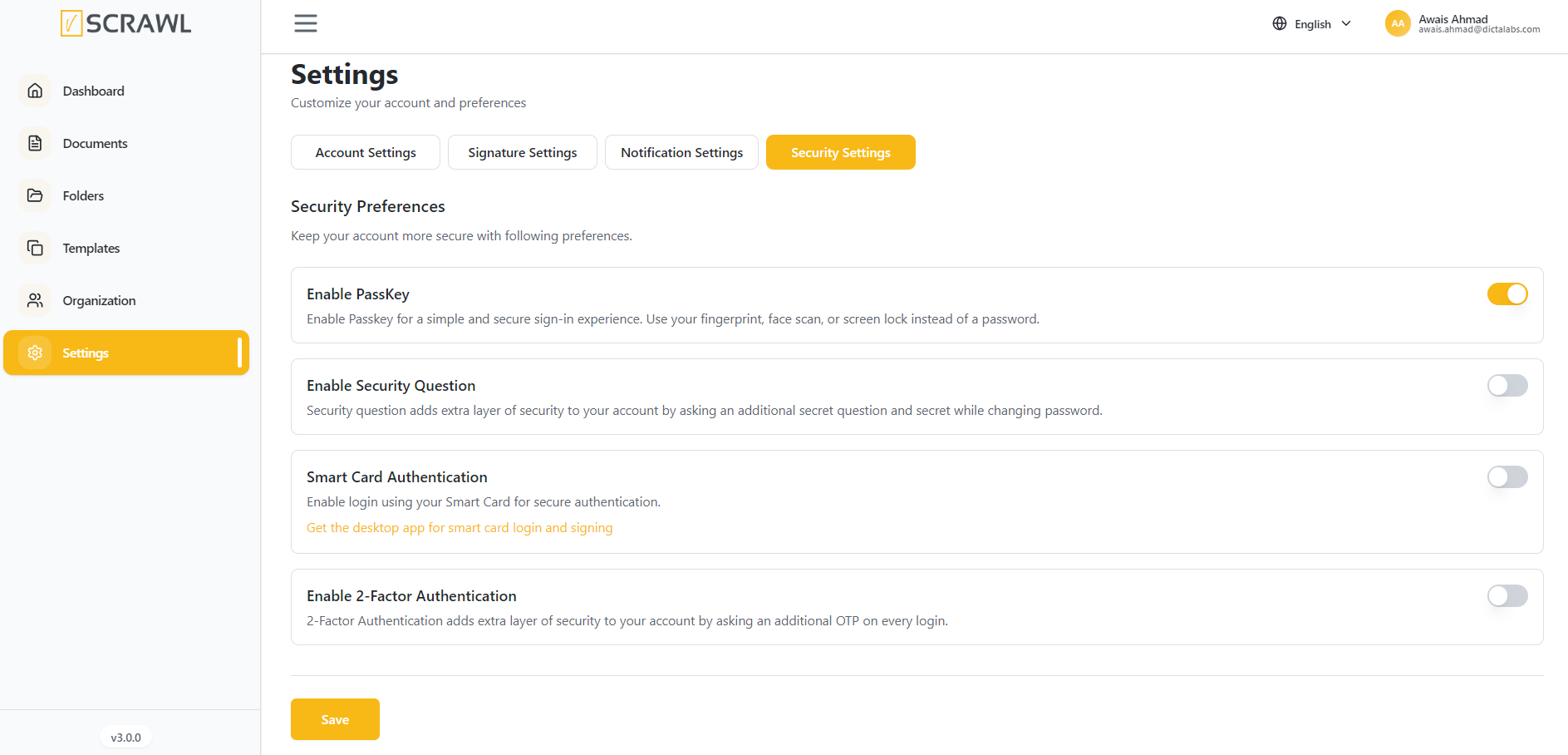
- Here you can set the security settings for your account by setting up:
Enable PassKey Enable Security Question
Enable 2-Factor Authentication Enable Smart Card Authentication
Signature Settings
-
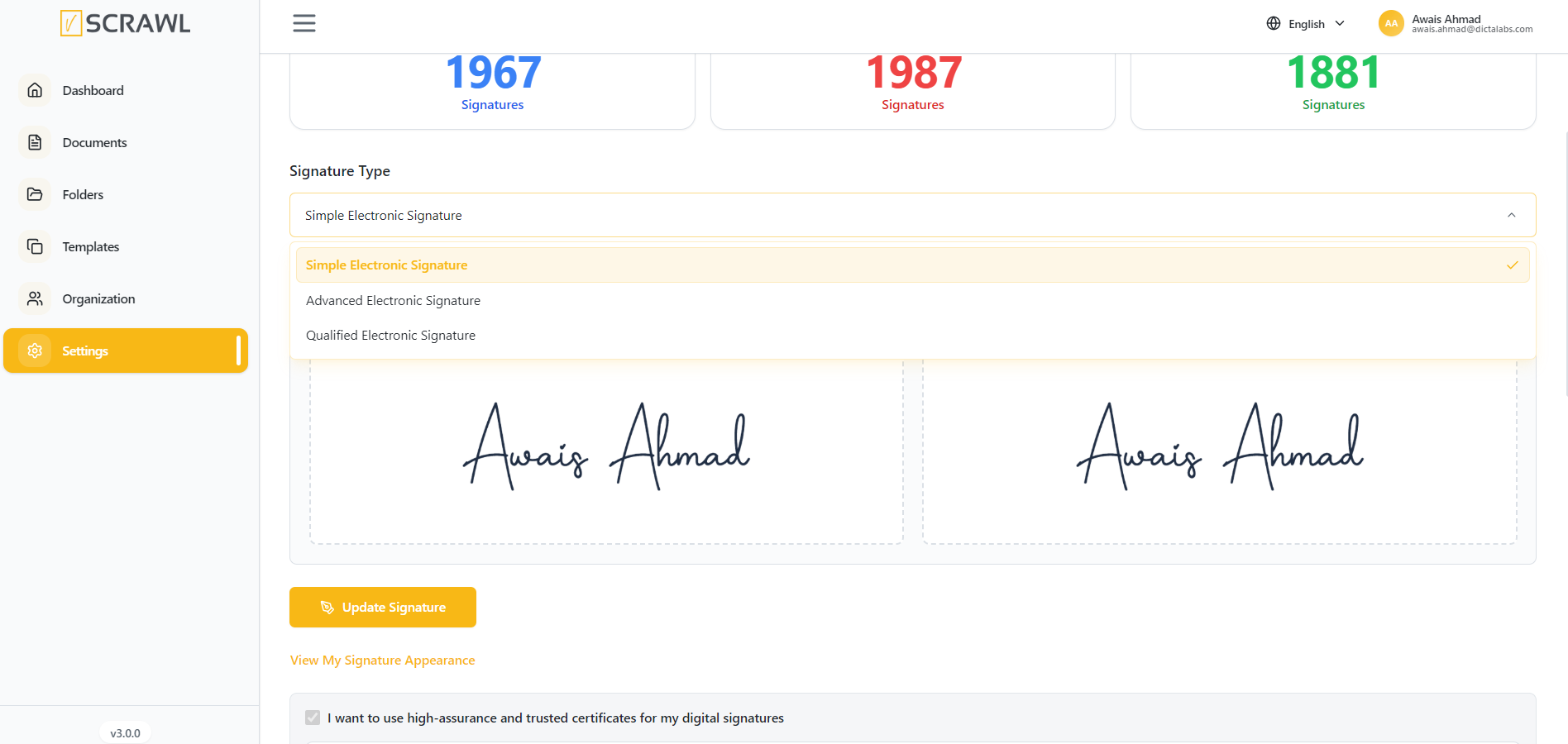
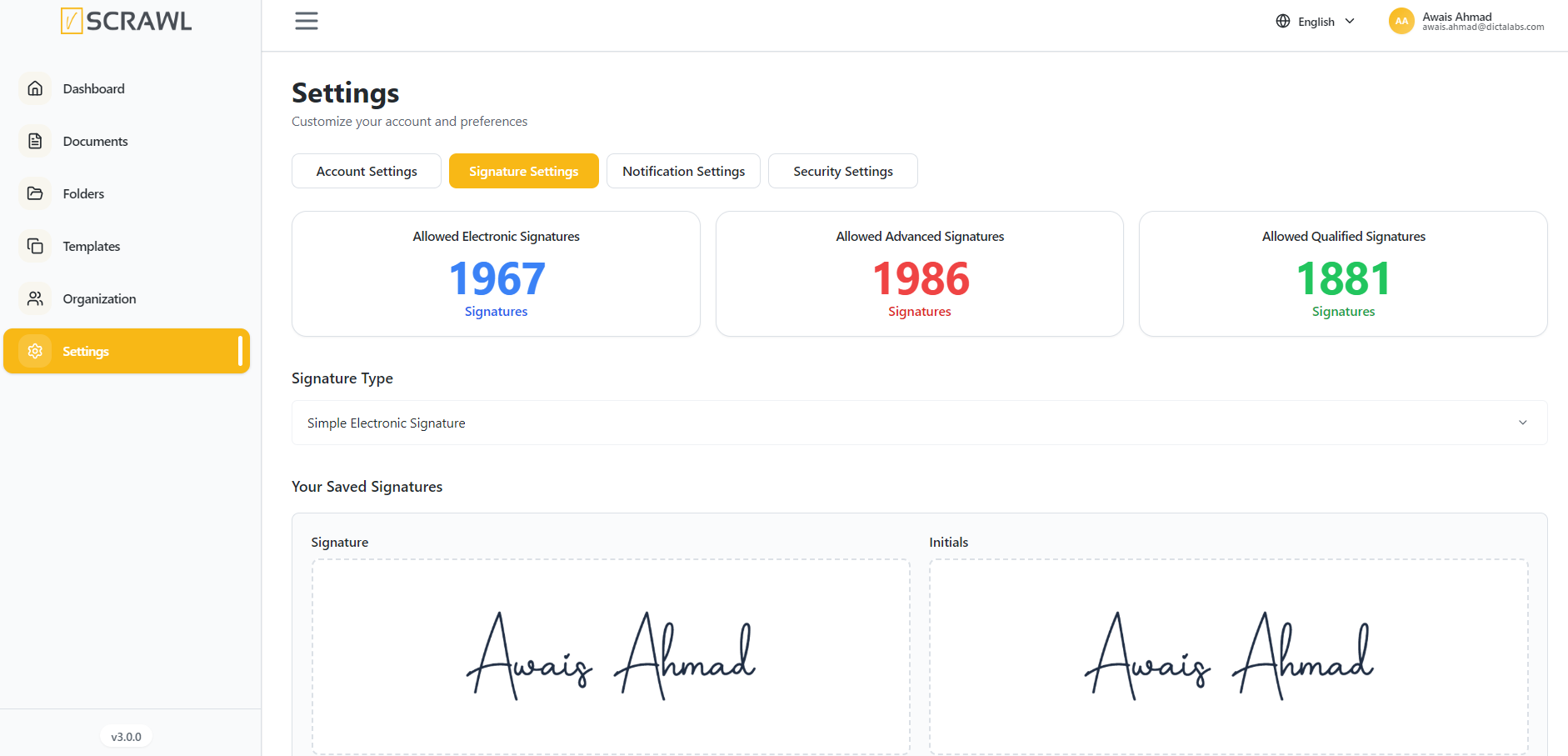
In vScrawl, you can set up and manage the type of electronic signature you want to use by default, directly from your Settings. This ensures flexibility and compliance with different levels of security and legal requirements.
-
You can change your signature type and appearance anytime, depending on the security level required and Set or update your signature by clicking Update Signature.
-
Your signature settings are applied across all documents you upload or sign in vScrawl.
-
If you are present in someone’s organization you can see your signature quota’s for Simple and Digital Signatures.
Notifications Settings
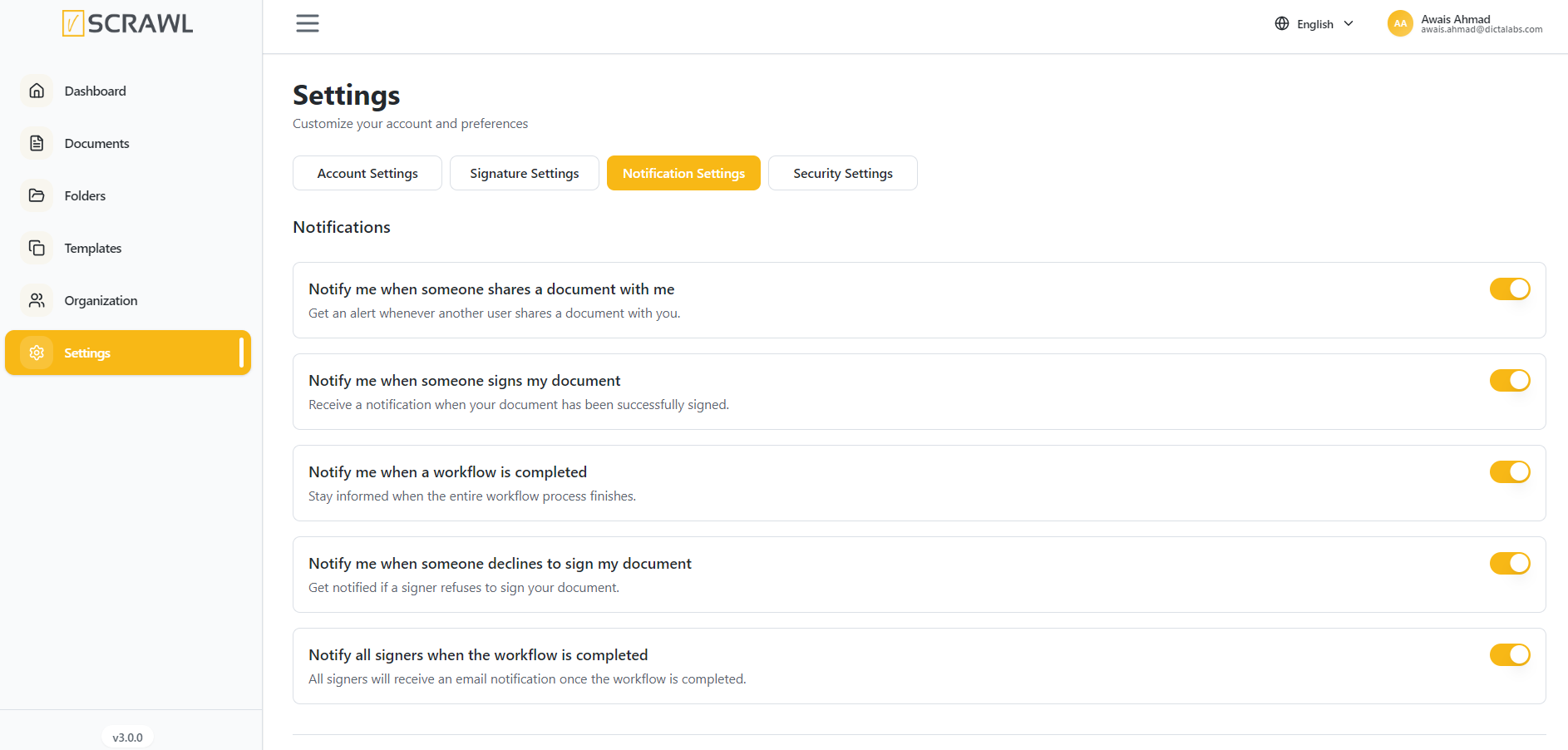
The Notifications feature in vScrawl allows you to stay informed about the status of your documents throughout the signing workflow. You can customize which alerts you receive, ensuring that you are always up to date on important actions without unnecessary interruptions.
Here you can choose how you receive updates:
-
Notify me when someone shares a document with me
-
Notify me when someone signs my document
-
Notify me when a workflow is completed
-
Notify me when someone declines to sign my document
-
Notify all signers when the workflow is completed