Sign Up
Create an Account
-
Open a browser (Chrome, Edge, or Firefox) or Safari
-
Navigate to: vScrawl: #1 eSigning and CLM solution
-
Click “Sign Up”.
-
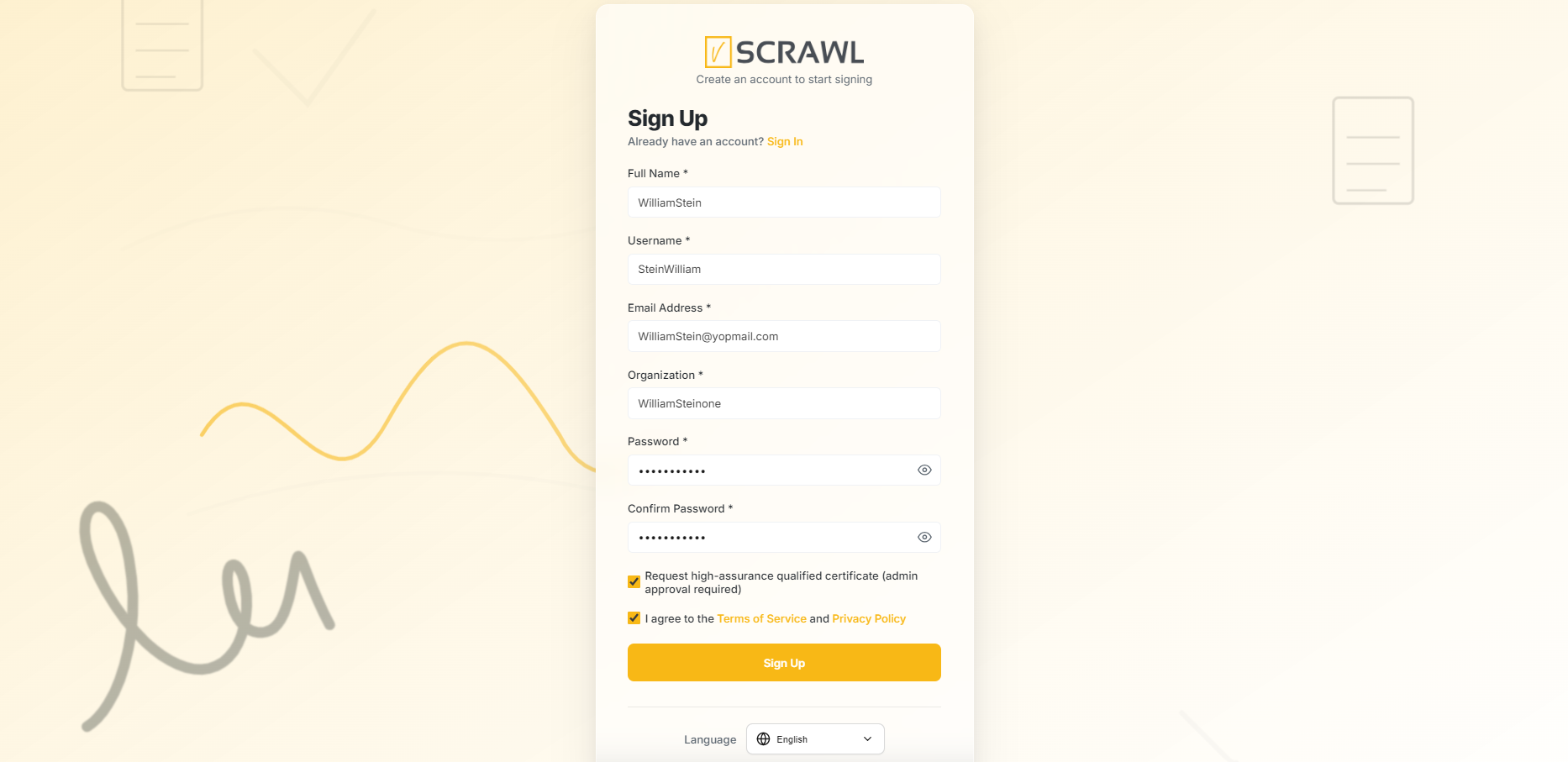
Provide your Full Name, Username, Email Address, Organization Name and password.
-
Select to agree the Terms and Conditions and Privacy Policy and click “Create your free account”.
-
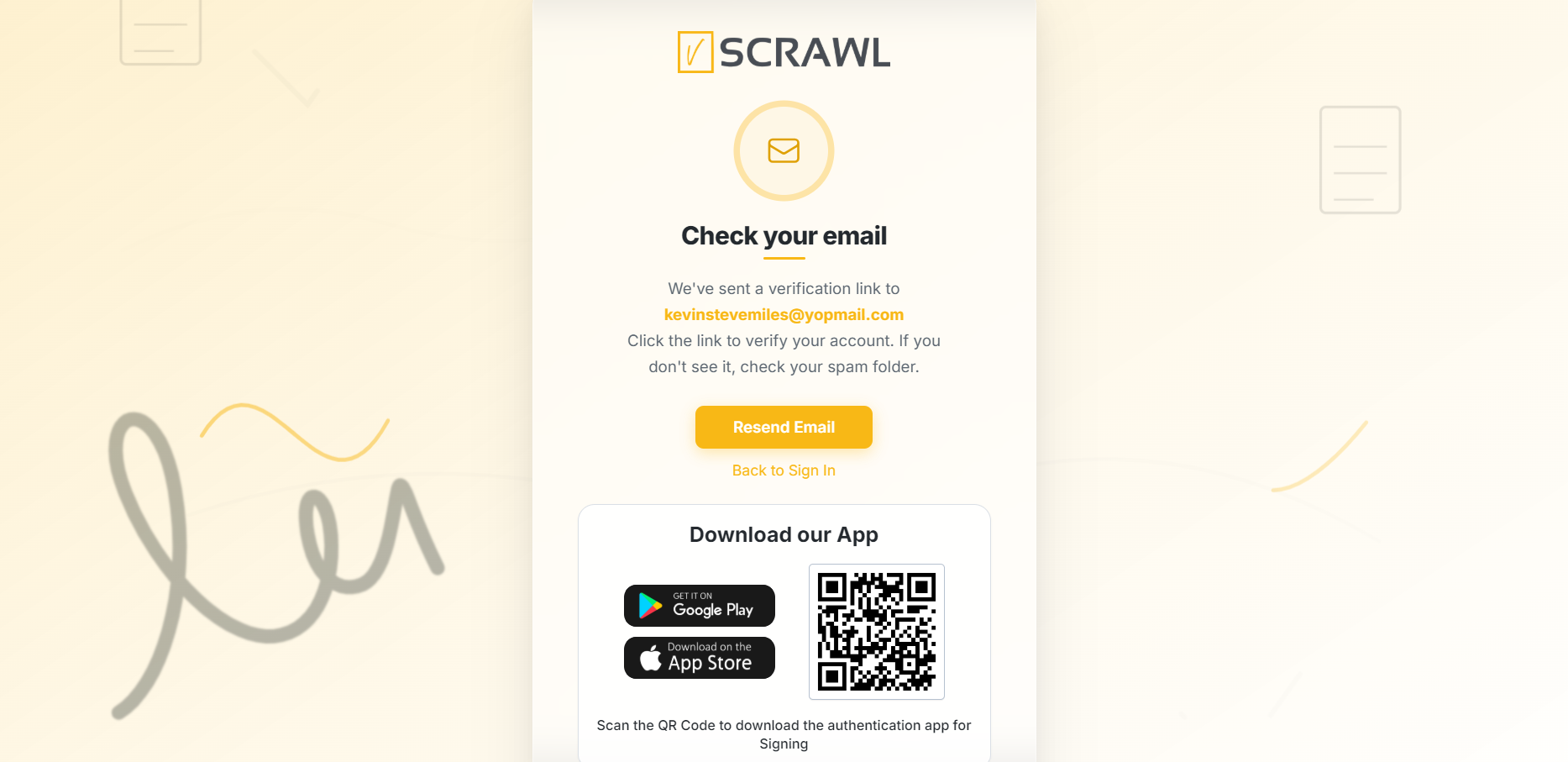
An account activation email will be received, Verify your account → account gets activated → login from the Login page.
High-Assurance Certificate Registration Guide
Users can also sign up by requesting a High-Assurance Qualified Certificate for secure and trusted digital signatures. This option provides enhanced identity verification and requires administrator approval before activation.
How It Works
When registering, enable the option:
“Request high-assurance qualified certificate (admin approval required)”
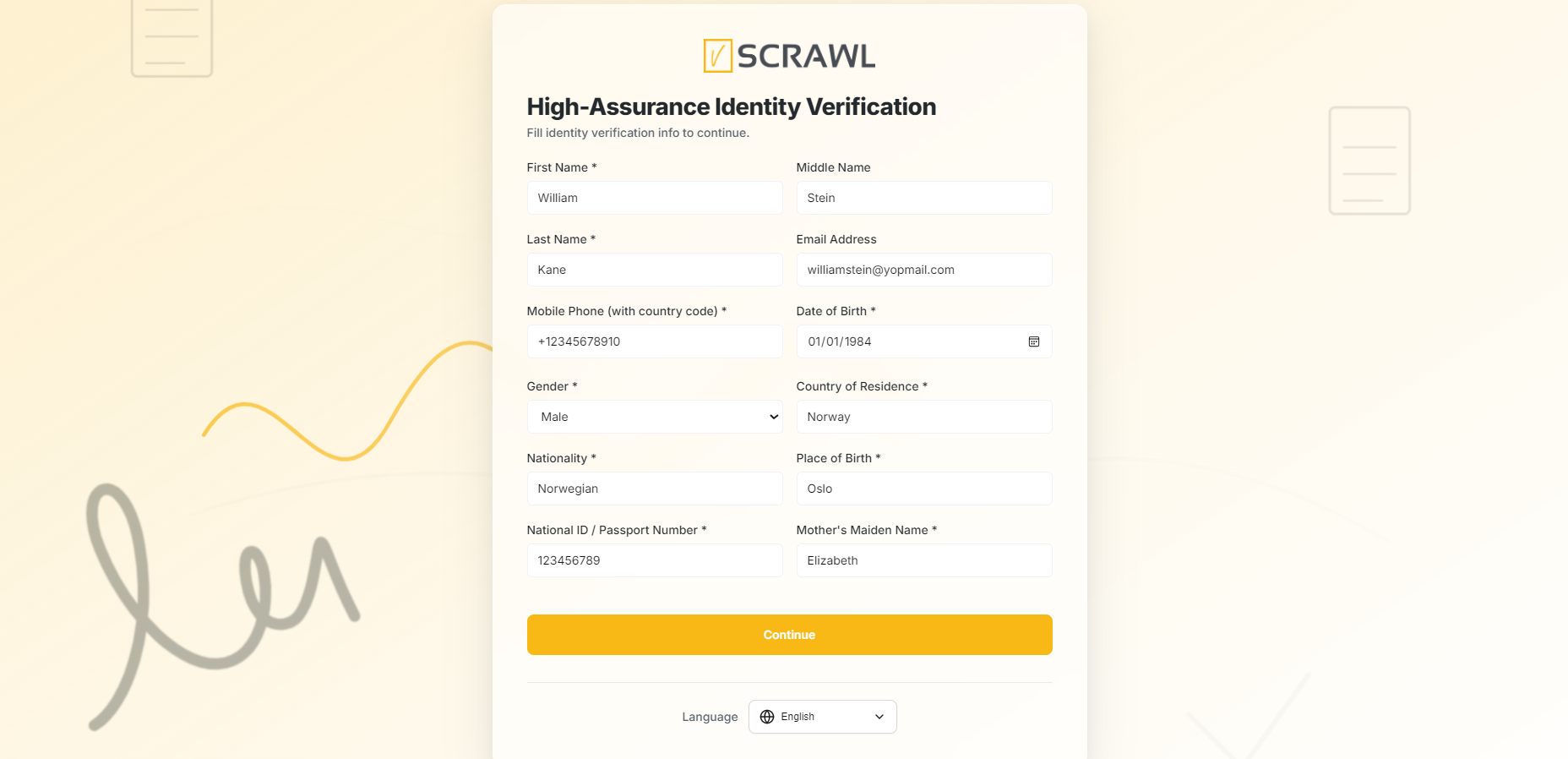
Once selected, you will be asked to complete the High-Assurance Identity Verification form and upload supporting identification documents.
Required Information
Please provide accurate details exactly as they appear on your official identification documents, including:
- First Name and Last Name
- Date of Birth
- Gender and Nationality
- Country and Place of Birth
- Phone Number and Email Address
- National ID / Passport Number
- Mother’s Maiden Name
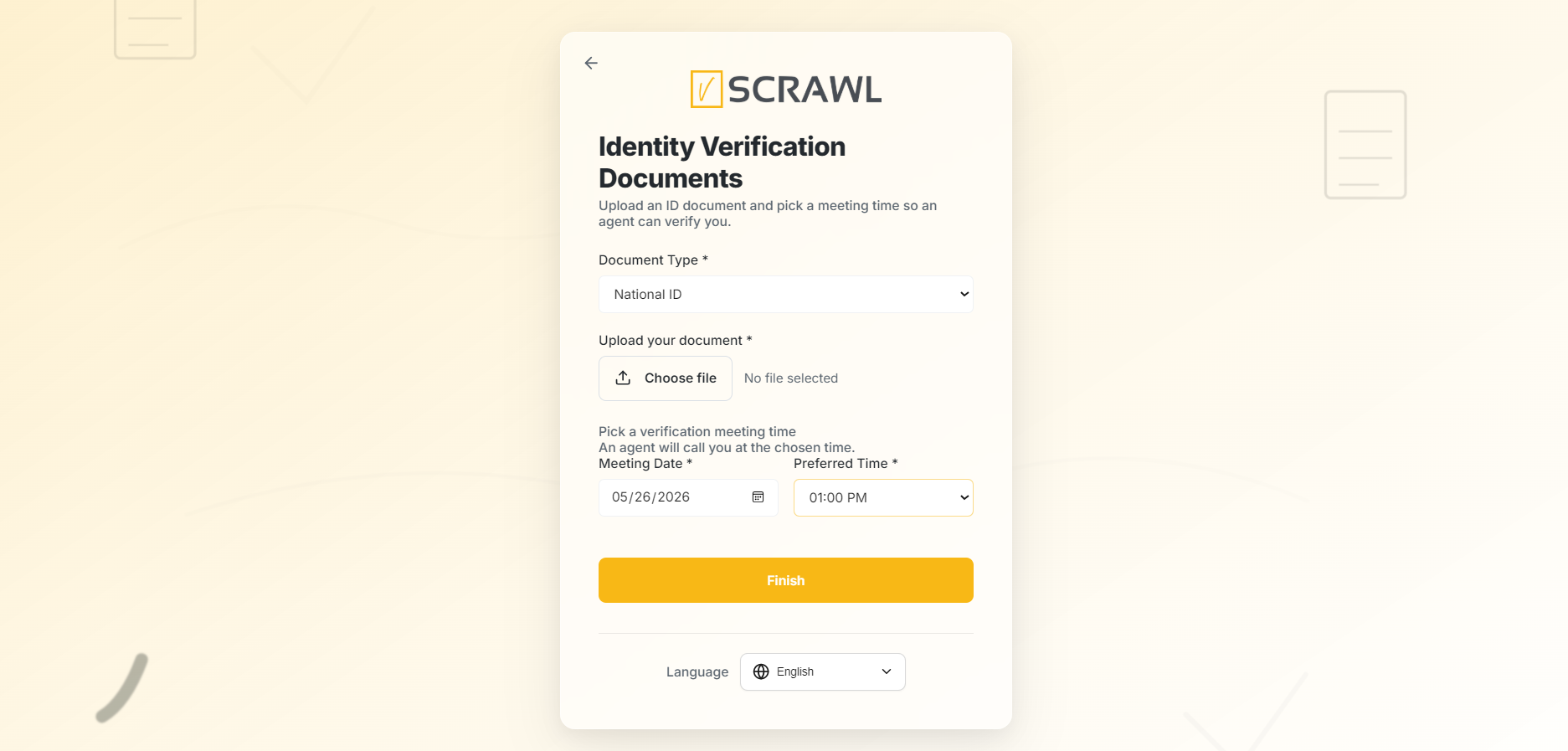
Identity Verification Documents
You must also:
- Select a valid document type.
- Upload a government-issued identity document (Image or PDF, max 5 MB).
- Choose your preferred meeting date and time for verification.
Accepted documents may include:
- Passport
- National ID Card
- Driving License (if applicable)
Approval Process
After submission:
- Your request will be reviewed by the administration team.
- Verification is performed based on the submitted identity details and uploaded documents.
- Additional verification or meeting confirmation may be required.
- Once approved, your high-assurance certificate will be issued and activated.