Sign In
Accessing the Login Page
Go to: vScrawl Login
Enter Credentials
-
Enter your registered email address or username.
-
Type your password (case-sensitive).
-
Click Sign In to access your vScrawl account.
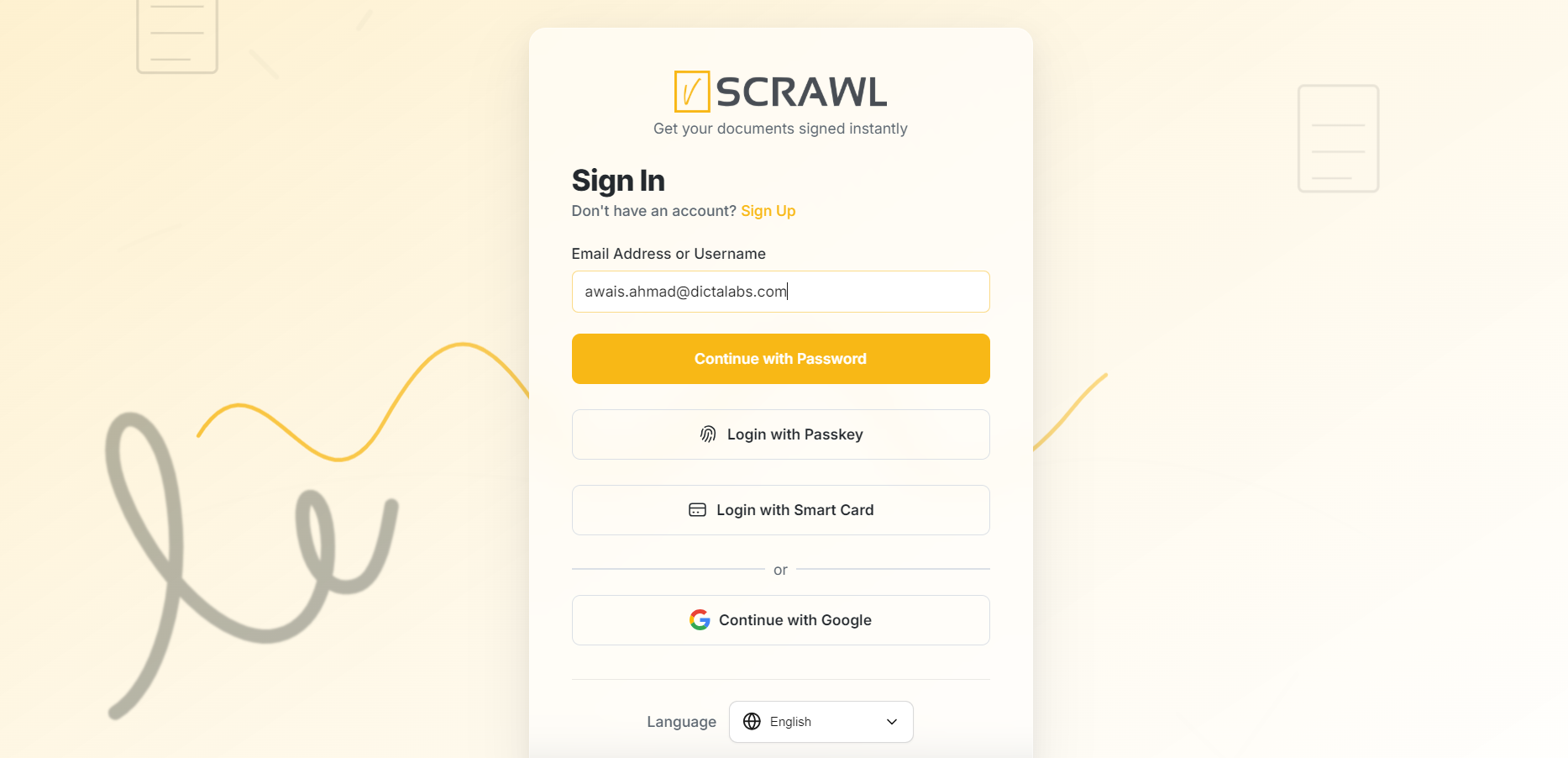
Signup / Sign-in using Google Authentication or Keycloak
You can sign in using either Google authentication or Key cloak authentication. On the login page, simply choose “Continue with Google” and select your Google account. If prompted, enter your Google password.
Alternatively, if your organization uses Key cloak, click “Continue with Key cloak” and enter your Key cloak username and password. Once authenticated, you will be redirected to the vScrawl Dashboard.
Signup / Sign-in with the Smart Card Using the SmartXipher App
vScrawl provides secure authentication through Smart Card login using the SmartXipher App. This ensures strong identity verification and protects access to your account.
When a user chooses to sign in with a Smart Card, the system verifies their digital certificate through SmartXipher. Once the certificate is validated, the user is securely logged into their dashboard.
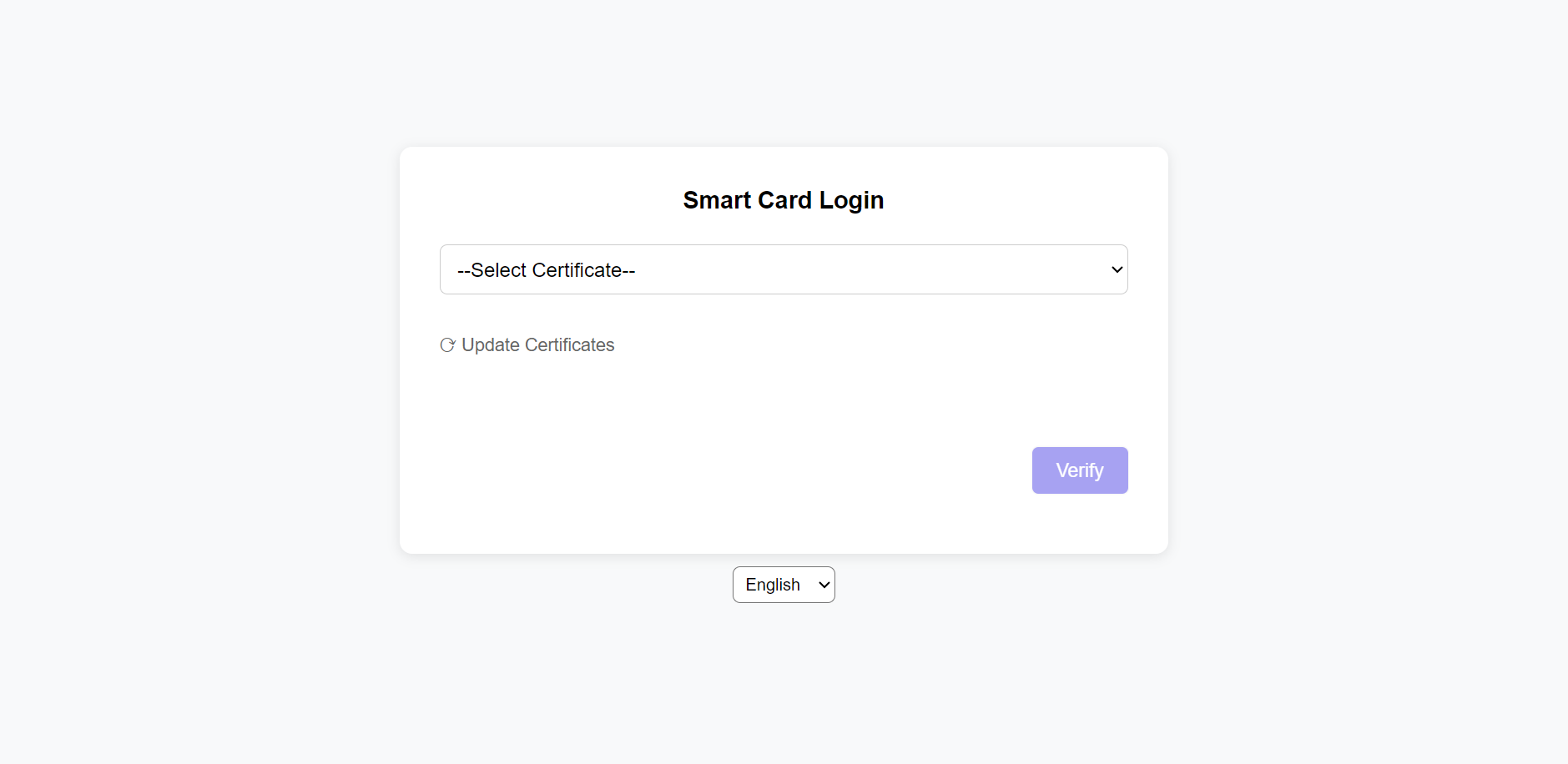
Sign-in Using Passkey
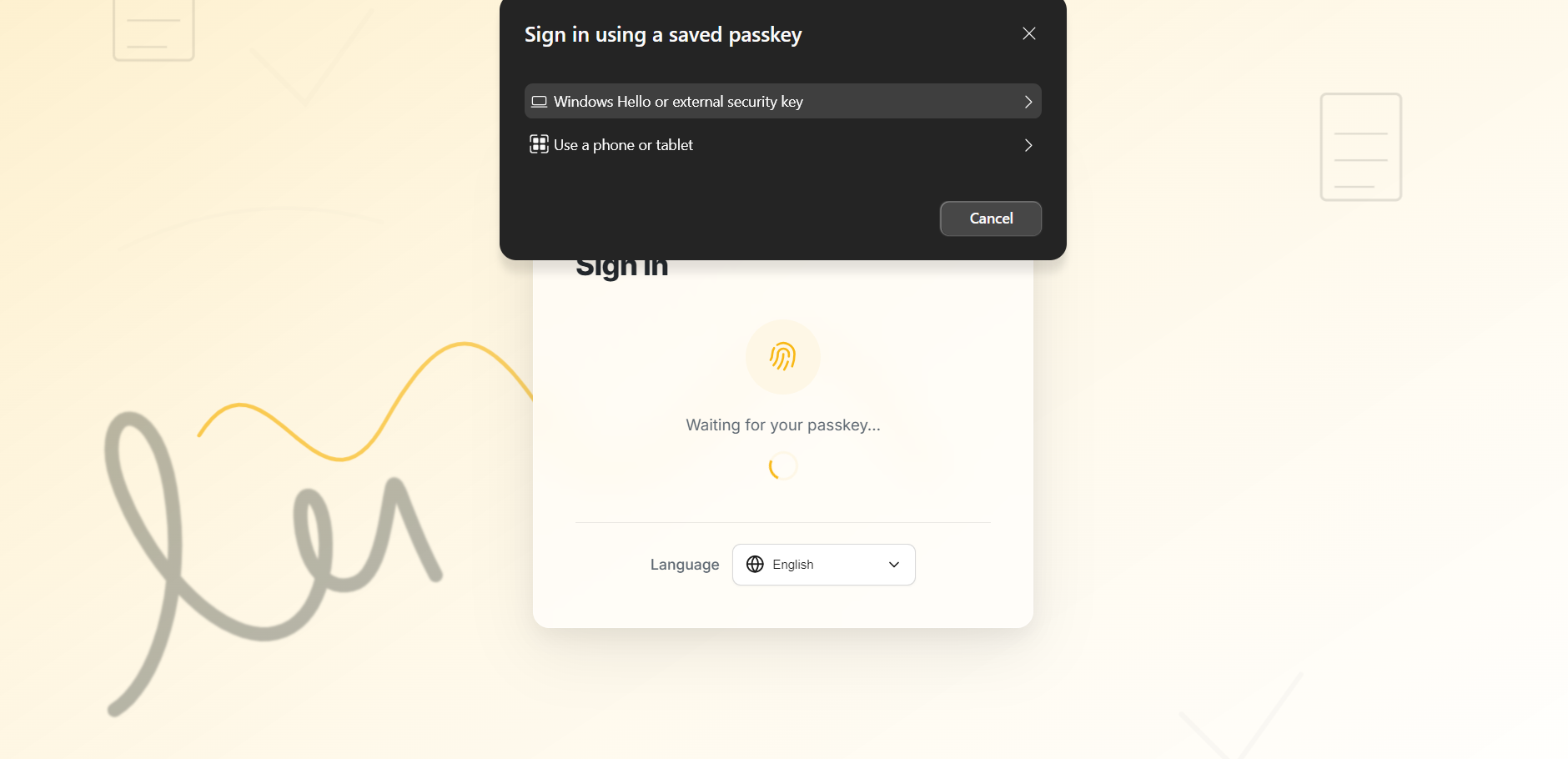
To sign in to vScrawl using a passkey, first open the login page and enter your registered email address, then click “Login with Passkey.” A dialog titled “Sign in using a saved passkey” will appear, allowing you to choose how you want to authenticate. You can select Windows Hello or an external security key to sign in using your device’s fingerprint, face recognition, PIN, or a USB security key.
Alternatively, you can choose Use a phone or tablet, which will display a QR code on the screen; scan this QR code using your mobile phone and approve the sign-in using your device’s biometric authentication or screen lock. Once the authentication is successfully completed, you will be automatically logged in to your vScrawl account without entering a password.
After successfully signing in, users are redirected to the vScrawl Dashboard dashboard, where they can access document management features, monitor workflow activity, and perform day-to-day operations within the platform.